RemoveExpandBackgroundsToolsProSupportComing Soon
AI REMOVER · MADE ON YOUR IPHONE

Gone. Like itnever happened.

Tap a photobomber, a stranger or a pole through someone's head, and it vanishes. What was behind it is rebuilt at your photo's full resolution. No outline. No smudge. Nobody will ever know.

Free to tryNo uploadsNo creditsFull resolution
Before: a bay full of yachts After: the yachts removed, open water BEFOREAFTER
9 BOATS, GONE
REBUILT AT FULL RESOLUTION
WATCH IT WORK

Tap it. Scribble it.
Zoom out. Reimagine it.

Every tool a pro retoucher reaches for, in a few taps. And because the AI runs right on your device, there's no waiting in a queue and nothing to upload.

Tap it. Gone.

REMOVE IT finds every person and every thing the moment you open a photo. Tap one, or a whole group.

Scribble it. It finds the rest.

Paint roughly over anything and Smart Select works out the whole object.

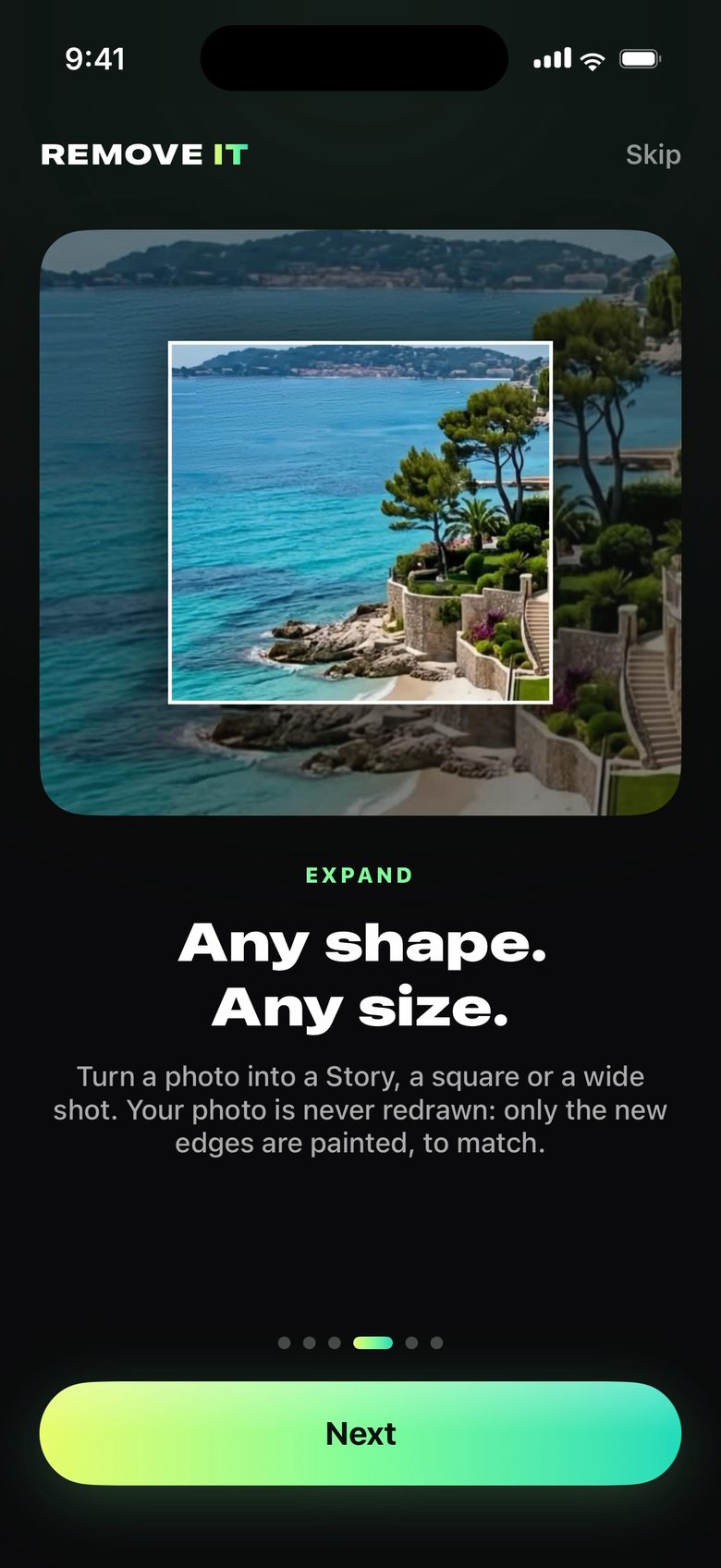
Zoom out. New world.

Expand any photo to any shape, or give your people a whole new place.

FOUR WAYS TO A BETTER PHOTO

The photo you wish
you'd taken.

MADE FOR FAMILY PHOTOS

The trip stays.
The memory gets better.

Everyone who stays, stays exactly as they are. REMOVE IT knows the difference between your people and what's in the way.

IN FRONT OF THEMThe pole in front of Grandpa

Gone, and his shirt carries on behind it, exactly as it was.

BEHIND THEMThe basket on the shelf behind Mom

The shelf comes back. Not a smudge of her.

WHAT THEY'RE WEARINGSunglasses on everyone

Paint over them and their eyes come back. Say the colour if you like.

IN YOUR WORDS"Remove the pole, my dad is behind it"

Type it the way you'd say it. What you write always comes first.

PRIVATE BY DESIGN

Your photos never
leave your device.

0

photos uploaded to us. Ever.

0

credits, tokens or per-photo fees.

100%

on-device AI. Works offline, even in Airplane Mode.

Full

resolution saves, with your original never changed.

REMOVE IT PRO

Try it free.
Keep what you make.

See your result before you join. Pro saves it at full size and unlocks every tool.

1 WEEK FREE · BEST VALUE

Yearly

$59.99
a year after your free week · $5.00 a month
  • Every tool, every photo
  • Full-size saves and shares
  • iCloud Sync on all your devices
  • Cancel anytime in the free week
Coming to the App Store SOON

Monthly

$9.99
a month · flexible
  • Every tool, every photo
  • Full-size saves and shares
  • iCloud Sync on all your devices
  • Cancel anytime
Coming to the App Store SOON
LAUNCH PRICE

Lifetime

$149.99
once · yours for good
  • Everything, forever
  • Every future update
  • No subscription, ever
  • The Gold icon and a Lifetime keepsake
Coming to the App Store SOON

Questions

Will it leave an outline or a blurry patch?

No. What was behind is rebuilt at your photo's full resolution, matched to its colour, light and grain. Hold the split button in the app to compare before and after.

Will it change the people I keep?

No. Everyone who stays is kept exactly as they are. Something in front of them is removed and what it covered of them is brought back; something behind them is removed without touching them.

Is anything uploaded?

Not to us, ever. Everything runs on your iPhone, iPad or Mac. With iCloud Sync (Pro), your edits are kept in your own private iCloud.

Which devices?

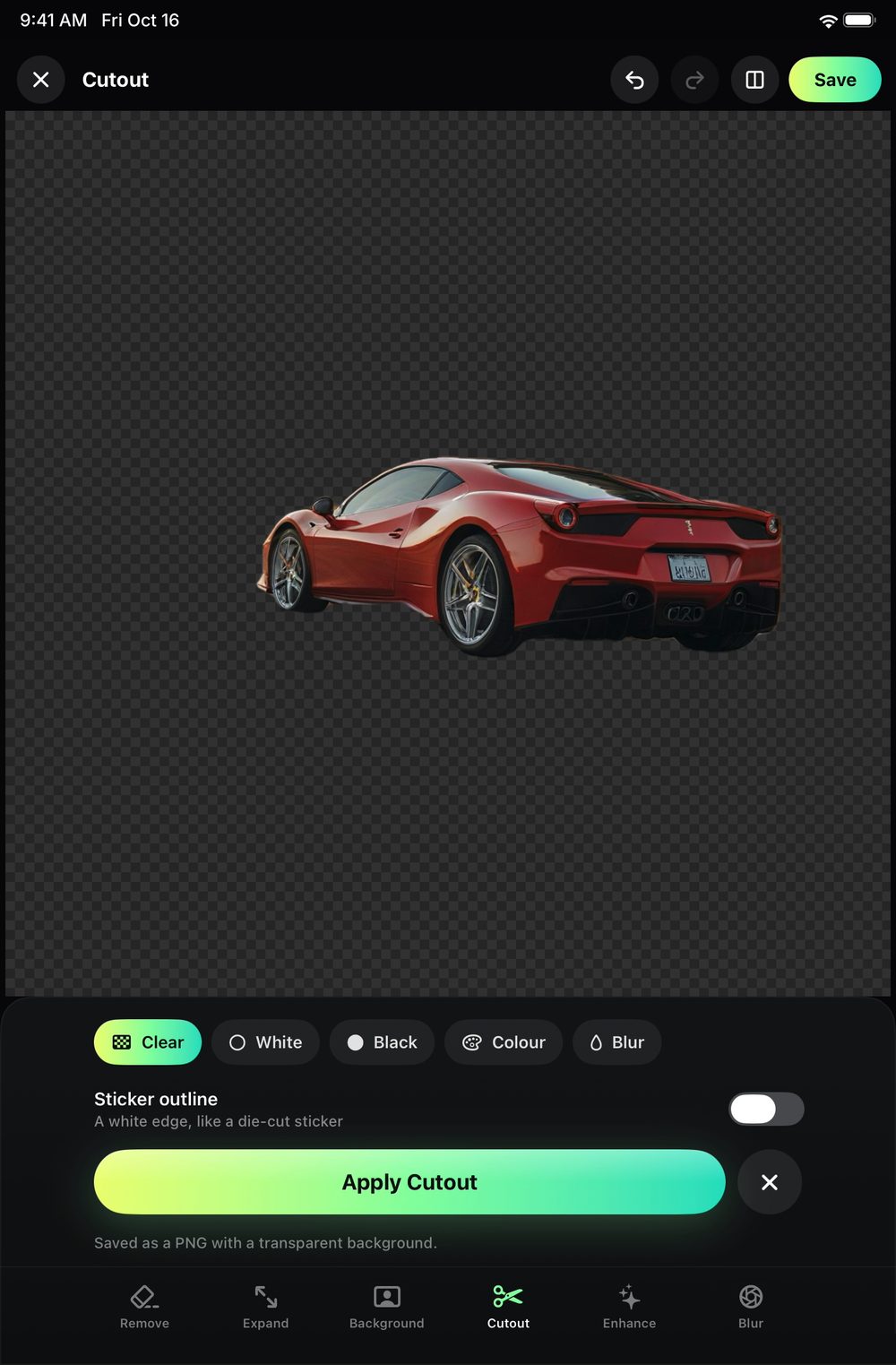
Remove, Cutout, Enhance and Blur work on any iPhone or iPad that runs iOS 26. Expand, Background and AI detail need 8 GB of memory: iPhone 15 Pro and later, and iPads and Macs with an M-series chip.

Can I try it before I pay?

Yes. Remove, cut out, enhance and blur any photo and see the result for free. Yearly also starts with a free week for new subscribers.

More answers in Support

REMOVE IT app icon

Your best photos are
one tap away.

Free to try on iPhone, iPad and Mac. Everything you make stays on your device.

REMOVE ITFree to try · iPhone, iPad, Mac
Coming Soon